How SeedCadence works
Two ways to use it. One counting engine.
Lab tracking, in six steps
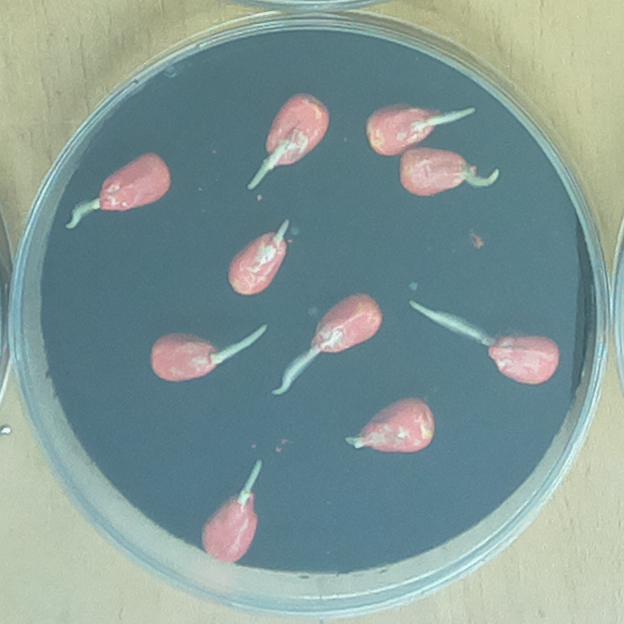
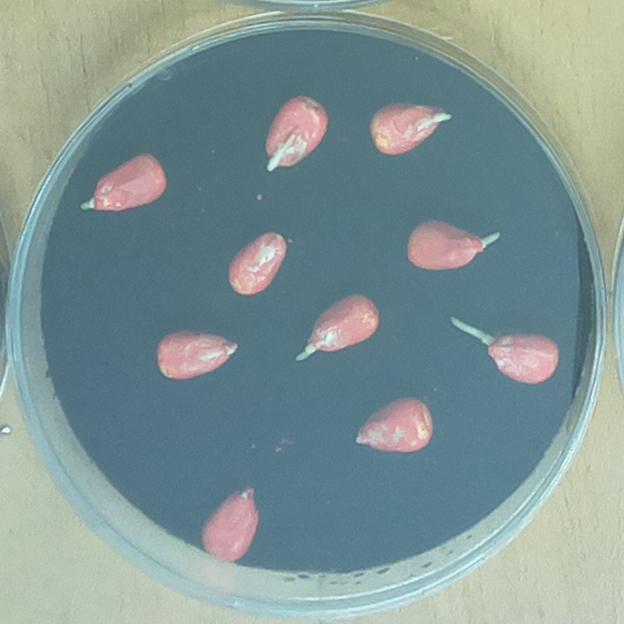
Photo from the germination dataset by Genze and Grimm (Mendeley Data, CC BY 4.0).
These trays come from a public research photo set. The people who made it are not SeedCadence customers and did not take part.
Name the seed batch and choose the crop.
Maize, 10 seeds placed.
Set out the trays. The app prints a card for each tray.
Take the first photo. The app gives every seed a number.
Numbered 1 to 10.
Take a photo on each photo day.
Hour 0, Hour 12, Hour 24, Hour 36, Hour 48
Look at the seeds the app is not sure about, and fix any mistake.
Seeds to check on the last photo: 1.
Sign the report.
Version 1. PDF and CSV.
Choose the crop.
Crop: Maize.
Count the seeds, for example 50, and put them on a wet cloth.
Seeds placed: 10.
Keep the cloth wet.
Take a photo.
Photo check: clear.
Read the answer, and fix any seed the app got wrong.
10 of 10 seeds sprouted. That is 100 out of every 100.
Quick check, in five steps
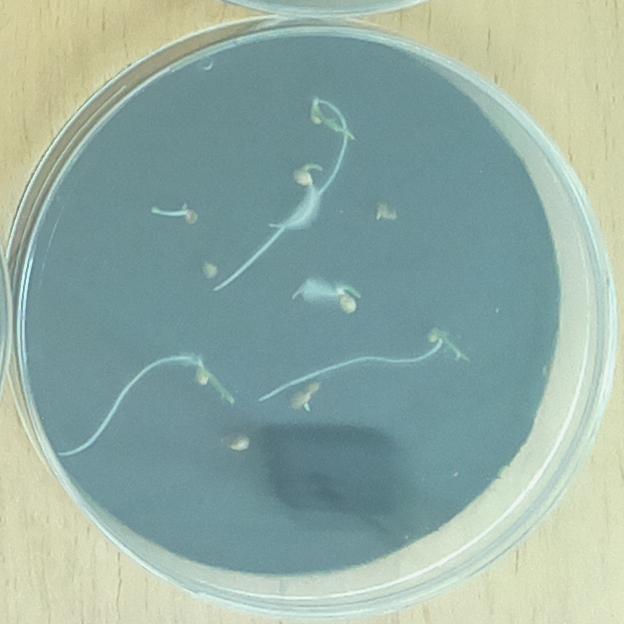
A seed has sprouted when you can see a small root coming out.
Germination means seeds sprouting.
Six rules for a good photo
The photo is not good? The app will tell you what to fix.